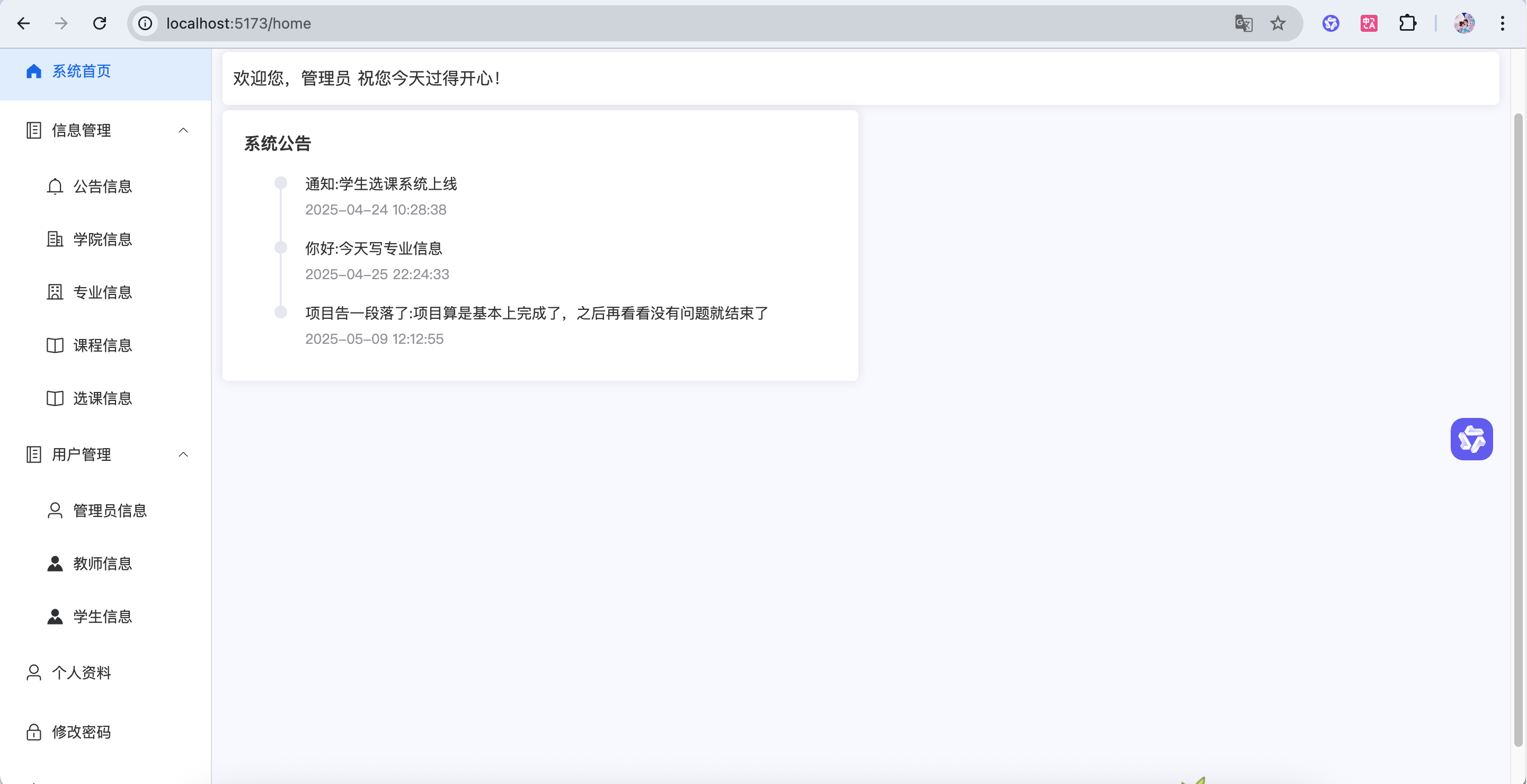
教师关联专业 逻辑 当创建课程时,课程会自动关联到教师所属的专业
绑定关系: 每个教师必须选择一个所属专业
核心作用: 排课时:系统会自动限制教师只能开设本专业的课程
前端 Teacher.vue 1 2 3 4 5 6 7 8 9 10 11 <el-table-column label ="所属专业" prop ="specialityName" > </el-table-column > <el-form-item label ="所属专业" prop ="specialityId" > <el-select v-model ="data.form.specialityId" placeholder ="请选择专业" style ="width: 100%" > <el-option v-for ="item in data.specialityDate" :key ="item.id" :label ="item.name" :value ="item.id" > </el-option > </el-select > </el-form-item >
1 2 3 4 5 6 7 8 9 10 11 12 13 14 15 16 17 18 19 20 21 22 23 24 25 26 27 28 29 30 31 32 33 34 35 36 const data = reactive ({ formVisible : false , form : { }, tableData : [], pageNum : 1 , pageSize : 5 , total : 0 , name : null , specialityDate : [], }); const loadSpeciality = ( request.get ('/speciality/selectAll' ).then (res => if (res.code === '200' ) { data.specialityDate = res.data }else { ElMessage .error (res.msg ) } }) } loadSpeciality ()
TeacherMapper.java 1 2 3 4 5 6 7 8 9 10 @Select("select teacher.*, speciality.name as specialityName from teacher " + "left join speciality on teacher.speciality_id = speciality.id") List<Teacher> selectAll () ; @Select("select teacher.*, speciality.name as specialityName from teacher " + "left join speciality on teacher.speciality_id = speciality.id " + "where teacher.name like concat('%',#{name},'%')") List<Teacher> selectByName (String name) ;
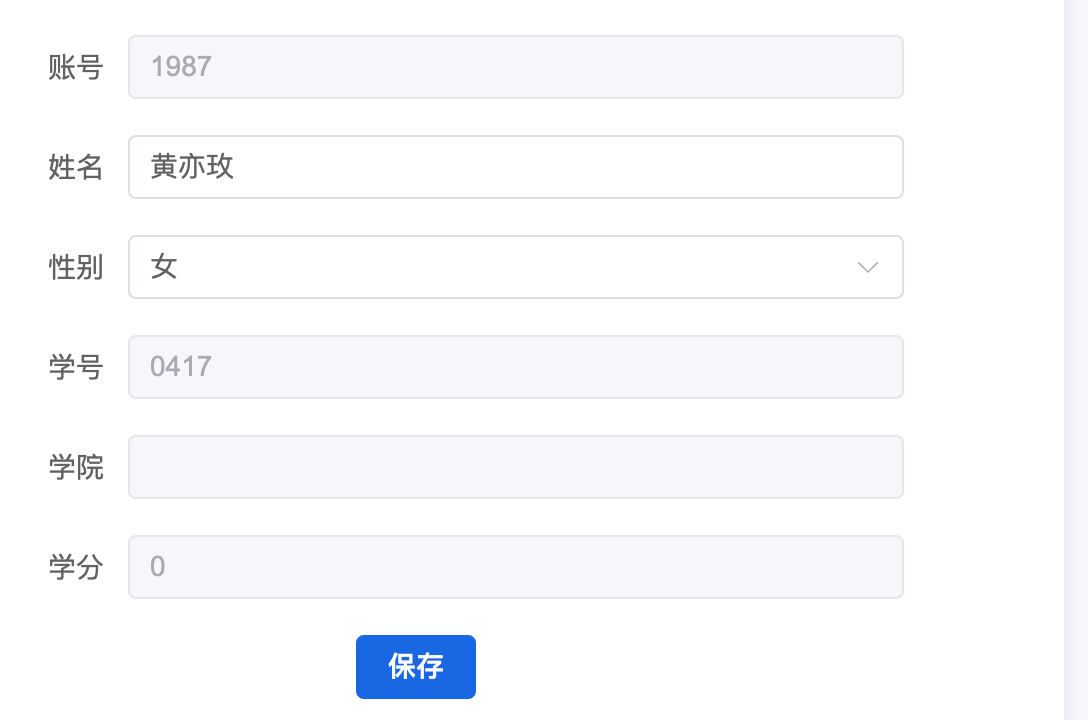
学生关联学院 逻辑 学生选课时,系统可以按学院筛选课程
绑定关系: 每个学生必须选择一个所属学院
核心作用: 选课时:系统可以按学院筛选课程
前端 Student.vue 1 2 3 4 5 6 7 8 9 10 11 <el-table-column label ="所属学院" prop ="collegeName" > </el-table-column > <el-form-item label ="所属学院" prop ="collegeId" > <el-select v-model ="data.form.collegeId" placeholder ="请选择学院" style ="width: 100%" > <el-option v-for ="item in data.collegeDate" :key ="item.id" :label ="item.name" :value ="item.id" > </el-option > </el-select > </el-form-item >
1 2 3 4 5 6 7 8 9 10 11 12 13 14 15 16 17 18 19 20 21 22 23 24 25 26 27 28 29 30 31 const data = reactive ({ formVisible : false , form : { }, tableData : [], pageNum : 1 , pageSize : 5 , total : 0 , name : null , collegeDate : [], }); const loadCollege = ( request.get ('/college/selectAll' ).then (res => if (res.code === '200' ) { data.collegeDate = res.data }else { ElMessage .error (res.msg ) } }) } loadCollege ()
StudentMapper.java 1 2 3 4 5 6 7 8 9 10 @Select("select student.*, college.name as collegeName from student " + "left join college on student.college_id = college.id") List<Student> selectAll () ; @Select("select student.*, college.name as collegeName from student " + "left join college on student.college_id = college.id " + "where name like concat('%',#{name},'%')") List<Student> selectByName (String name) ;
学生个人资料中的关联信息
学院 逻辑 前端操作: 学生在选课列表页面点击”取消选课”按钮
后端处理:
根据ID查询选课记录
删除这条选课记录
找到这门课程,把”已选人数”减1
SPerson.vue 1 2 3 4 5 6 7 8 9 10 11 12 13 14 const loadStudent = ( data.user = JSON .parse (localStorage .getItem ('system-user' ) || '{}' ) request.get ('/student/selectById/' + data.user .id ).then (res => if (res.code === '200' ) { data.user = res.data localStorage .setItem ('system-user' , JSON .stringify (res.data )) } else { ElMessage .error (res.msg ) } }) } loadStudent ()
StudentController.java 1 2 3 4 5 6 7 8 @GetMapping("/selectById/{id}") public Result selectById (@PathVariable Integer id) { Student student = studentService.selectById(id); return Result.success(student); }
StudentService.java 1 2 3 public Student selectById (Integer id) { return studentMapper.selectById(id); }
StudentMapper.java 1 2 3 4 @Select("select student.*, college.name as collegeName from student " + "left join college on student.college_id = college.id " + " where student.id = #{id}") Student selectById (Integer id) ;
学分 逻辑 学分计算规则: 学生每成功选一门课,系统自动把该课程的学分加到学生总学分上
实时更新机制: 选课成功时:立即把课程学分加到学生总学分
数据关联: 学生表有score字段记录总学分
ChoiceService.java 1 2 3 4 5 6 7 8 9 10 11 12 13 14 15 16 17 18 19 20 21 22 23 24 25 26 27 28 29 30 31 32 33 34 35 36 37 38 39 40 41 42 43 public void add (Course course) { if (course.getNum().equals(course.getAlreadyNum())){ throw new CustomException ("课程已经选满" ); } List<Choice> list = choiceMapper.selectByStudentIdAndCourseId(course.getStudentId(),course.getId()); if (CollectionUtil.isNotEmpty(list)){ throw new CustomException ("你已经选过这门课程" ); } Choice choice = new Choice (); choice.setStudentId(course.getStudentId()); choice.setCourseId(course.getId()); choice.setTeacherId(course.getTeacherId()); choice.setName(course.getName()); choiceMapper.insert(choice); course.setAlreadyNum(course.getAlreadyNum()+1 ); courseMapper.updateById(course); Student student = studentMapper.selectById(course.getStudentId()); student.setScore(student.getScore()+course.getScore()); studentMapper.updateById(student); } public void deleteById (Integer id) { Choice choice= choiceMapper.selectById(id); choiceMapper.deleteById(id); Course course = courseMapper.selectById(choice.getCourseId()); course.setAlreadyNum(course.getAlreadyNum()-1 ); courseMapper.updateById(course); Course dbCourse = courseMapper.selectById(choice.getCourseId()); Student student = studentMapper.selectById(choice.getStudentId()); student.setScore(student.getScore()-dbCourse.getScore()); studentMapper.updateById(student); }
终于做成了,然后把整体逻辑理一遍,放在01选课管理系统介绍